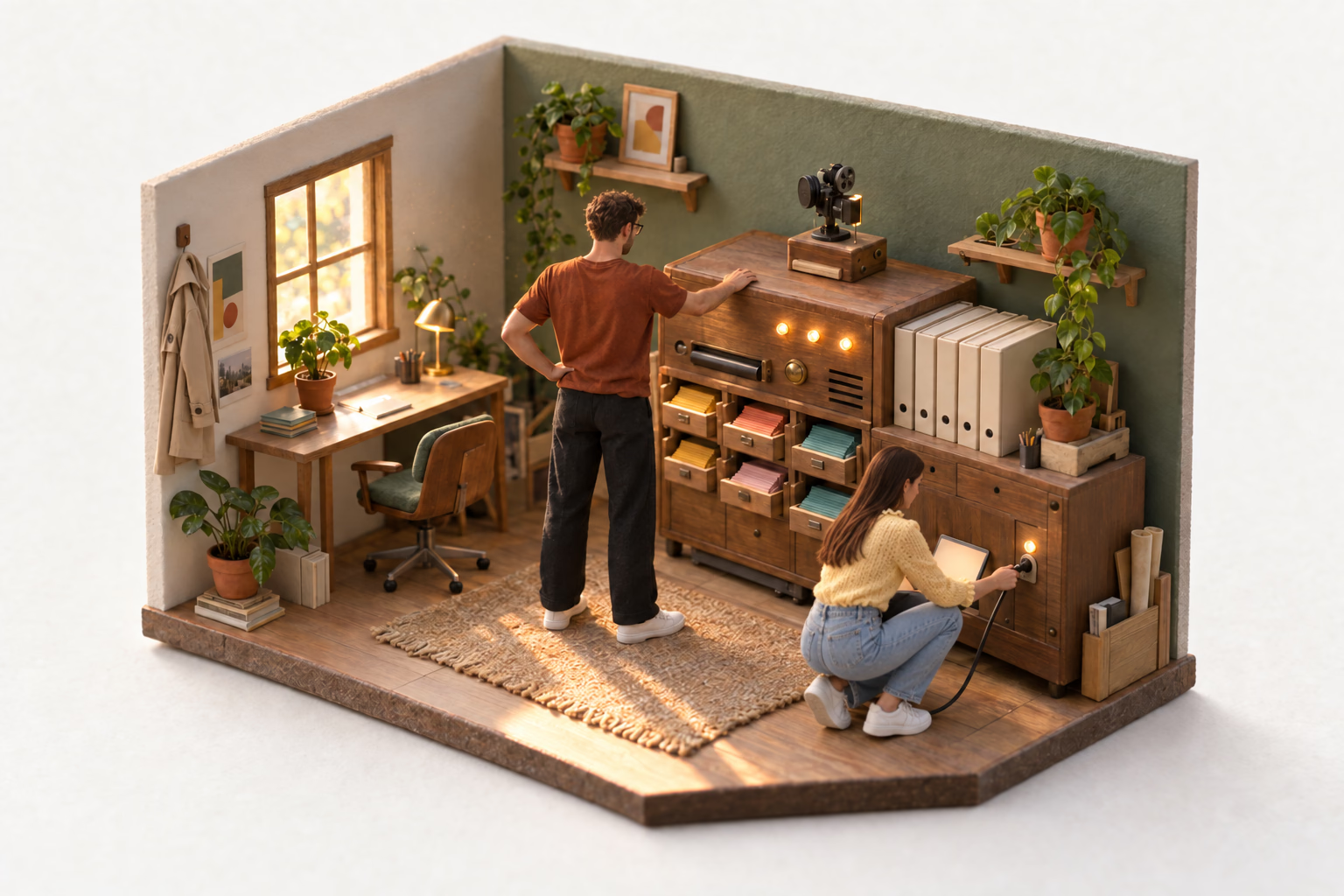
In January I added a sensitive mark to cards in Edicek. Mark a card and it hides behind a blur, so you can scroll through your saved links, videos and notes next to a colleague and they don't see that one.
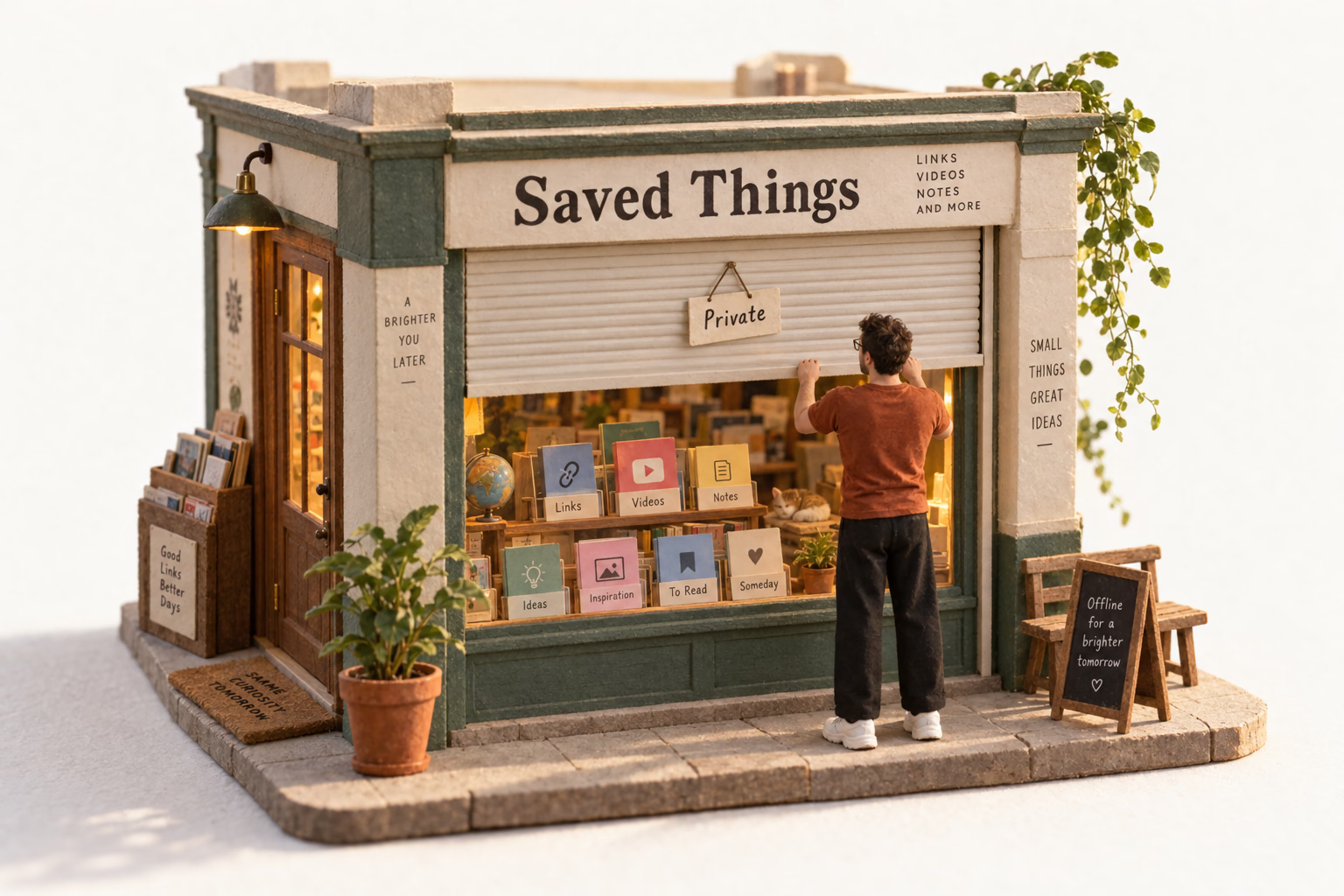
Last week, in release 1.13, I took the blur out. A sensitive card now pulls down a little paper blind.
TL;DRThe blur promised to hide a card from others while still hinting at it for me, and no blur strength ever did both. On big accounts it also made the web app stutter. A paper blind doesn't pretend to half-show anything, it just says that something private is there, and it fits a playful app far better than a generic system effect.
What I wanted the blur to do
Every card has a thumbnail and a note I wrote under it. The blur covered both.
The idea was that it would still leave something behind. The colours, the rough shapes. Enough for me to glance at a card and know which one it was. Not enough for the person sitting next to me.
That's the promise of blur everywhere you see it. Blurred message previews, photos behind a "sensitive content" warning. You know what it is, they don't.
It was a placebo
Blur it lightly and the shapes stay readable. For me, and for anyone looking over my shoulder.
Blur it enough that the colleague can't tell what it is, and I can't either. Every card turns into the same smudge of colour.
I never found a setting in between. The hint I was counting on was exactly the thing that leaked. So for nine months the blur mostly made me feel like the card was hidden. I thought it helped me remember what was under each one. It didn't, really.
The sidebar made it stutter
A blur has to be redrawn every time the card changes size. I knew resizing the window stuttered a bit, and I didn't care much.
Then I added a sidebar to the cards page in the web app. Hide or show it and every card in the column changes width, so every blurred card gets redrawn. On my own account, with a lot of cards, the whole page stuttered so badly it just didn't work.
Finding the cause took a few minutes. Caring about it took a sidebar.
I didn't want a blurred copy either
The obvious fix was to blur the thumbnail once, on the server, and send a static blurred image instead.
That's another file to store for every sensitive card, and another download. For a few cards per account. I'd still have the same placebo, just cheaper to draw.
So I left the thumbnail alone and solved it on the client, by covering the card with something that doesn't need any of that.
A paper blind
A sensitive card now pulls down a small paper blind, made of the same hand-made paper as the rest of the app. The note under it gets scribbled over in handwriting nobody can read.
Click the card and the blind rolls up. In the iPhone, iPad and Mac apps you confirm first, so a quick scroll never reveals anything. The eye in the card's corner brings the blind back down.
It doesn't try to hint at anything. It just says, plainly, that something private is there. And it stays light however many cards you have.
It fits
Edicek is a playful app. Paper, hand-drawn icons, things that move a little. The blur was the one part that looked like a generic system effect you'd find in any other app.
I did think about keeping a blur and making it prettier. It still wouldn't have been Edicek.
The blind is. It's the most fun feature I've ever built, and the most fun video I've ever made for one.